Help Center
Step-by-step guides for getting the most out of Married Next.
How to add a guest
Add an invitation and everyone who shares it — including plus-ones — so their RSVPs show up on your guest list.
Read moreHow to delete a guest
Remove a single guest from an invitation, or delete a whole invitation and everyone on it.
Read moreHow to edit a guest
Update a guest's name, contact details, plus-one, or RSVP status — or add and remove people on an existing invitation.
Read moreHow to invite guests & share your RSVP link
Send email invitations or share a personal RSVP link so guests can reply — as you add them, or any time afterward.
Read moreHow to search and filter your guest list & read RSVP statuses
Find guests fast, filter by whether they've replied, and understand what each RSVP status means.
Read moreHow to change your wedding website link
Pick a different free web address for your wedding website — and understand what happens to the old link.
Read moreHow to connect a custom domain
Point a domain you already own at your Married Next wedding website — add the domain, update your DNS records, and verify the connection.
Read moreHow to manage your privacy settings
Control whether your name and email are shown or masked in shared dashboard areas with the "Hide personal info" setting.
Read moreHow to set or change your ceremony & venue details
Add or update where your celebration takes place — venue name and address — so guests know exactly where to go on the day.
Read moreHow to set or change your wedding date & time
Set your wedding date, ceremony time, and RSVP cutoff on the Wedding Settings page, and see what each one updates across your site.
Read moreEditing your Married Next profile
Change the email and password on your account, and control how your info appears in shared areas.
Read moreResetting your Married Next password
The full password reset loop - request a link, set a new password, and sign back in.
Read moreSigning in and out of Married Next
Where to find the "Log in" link, how to sign in, and how to log out of your account.
Read more
What the RSVP Cut Off Date Does
A quick explanation of the RSVP cut off date on your Married Next wedding website and what happens once it passes.
Read moreCreating a new account – the first step towards a wedding website
How to sign up for Married Next and complete onboarding, step by step.
Read more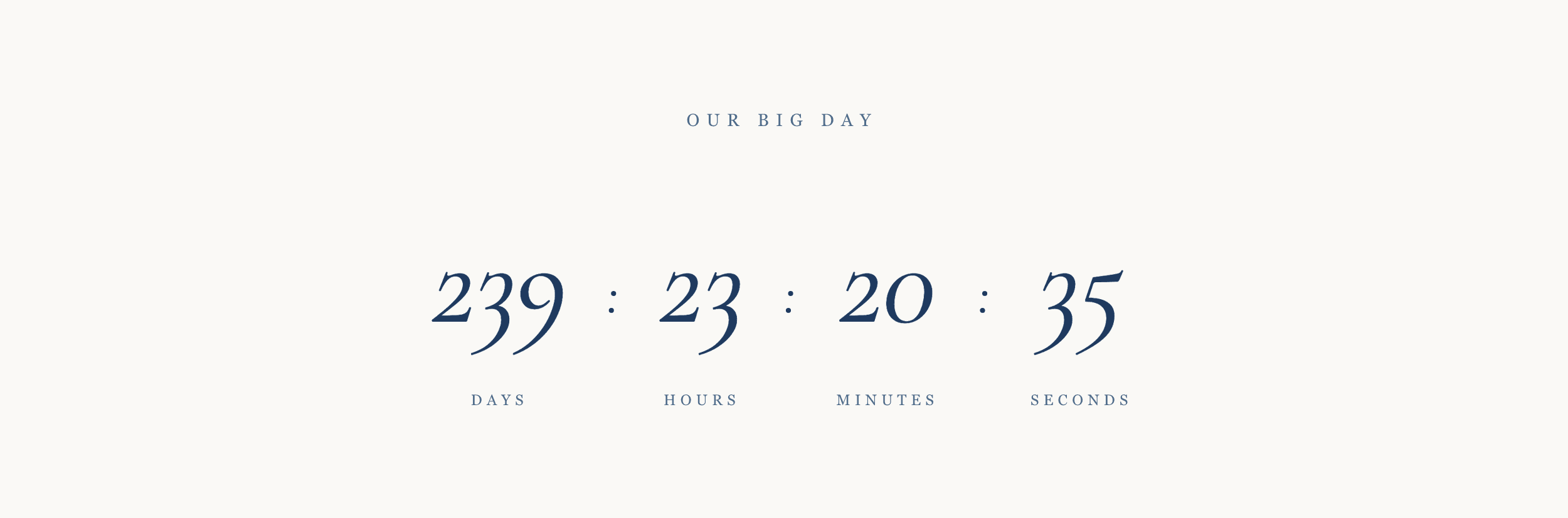
How to Enable Countdown on Wedding Website
How to set your wedding date and enable the countdown section on your Married Next wedding website.
Read more